
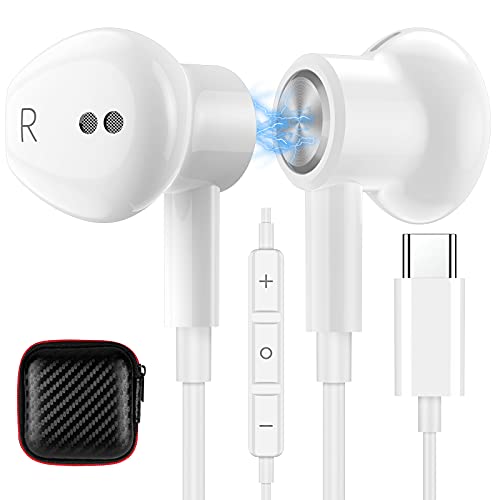
AFGHOA USB C Headphones Magnetic Wired Earbuds for iPhone 17 Pro Max 16 15 16e Noise Isolation In Ear Headphone with Mic Type C Earphone for Samsung S26 Ultra S25 S23 A36 A17 for iPad A16 Pixel 10a 9a
Product Description
AFGHOA USB C Headphones Magnetic Wired Earbuds for iPhone 17 Pro Max 16 15 16e Noise Isolation In Ear Headphone with Mic Type C Earphone for Samsung S26 Ultra S25 S23 A36 A17 for iPad A16 Pixel 10a 9a
Technical Specifications
You might also like

DEFAITH 24K Gold Dipped Real Rose Gifts, Great Wedding Anniversary Valentines Day Love Gift for Her Wife Girlfriend Spouse, with Stand (Red w/Crystal 2)

B.B. King Live In Africa '74[DVD]

Building Toys: An Architect’s Collection

Sega Genesis Core System 2 - Video Game Console (Renewed)

LIFE Queen Elizabeth at 90: The Story of Britain's Longest Reigning Monarch

Heather's Tummy Fiber Organic Acacia Senegal Packets for IBS, 25 Count Travel Packs

Kosiz 504 Sheets 5 Bid Raffle Ticket with Different Numbers Per Sheet Chinese Auction Tickets for Events Church Basket Auction Silent (Orange)

Geometry & Colours of Meliponine Brood Cells